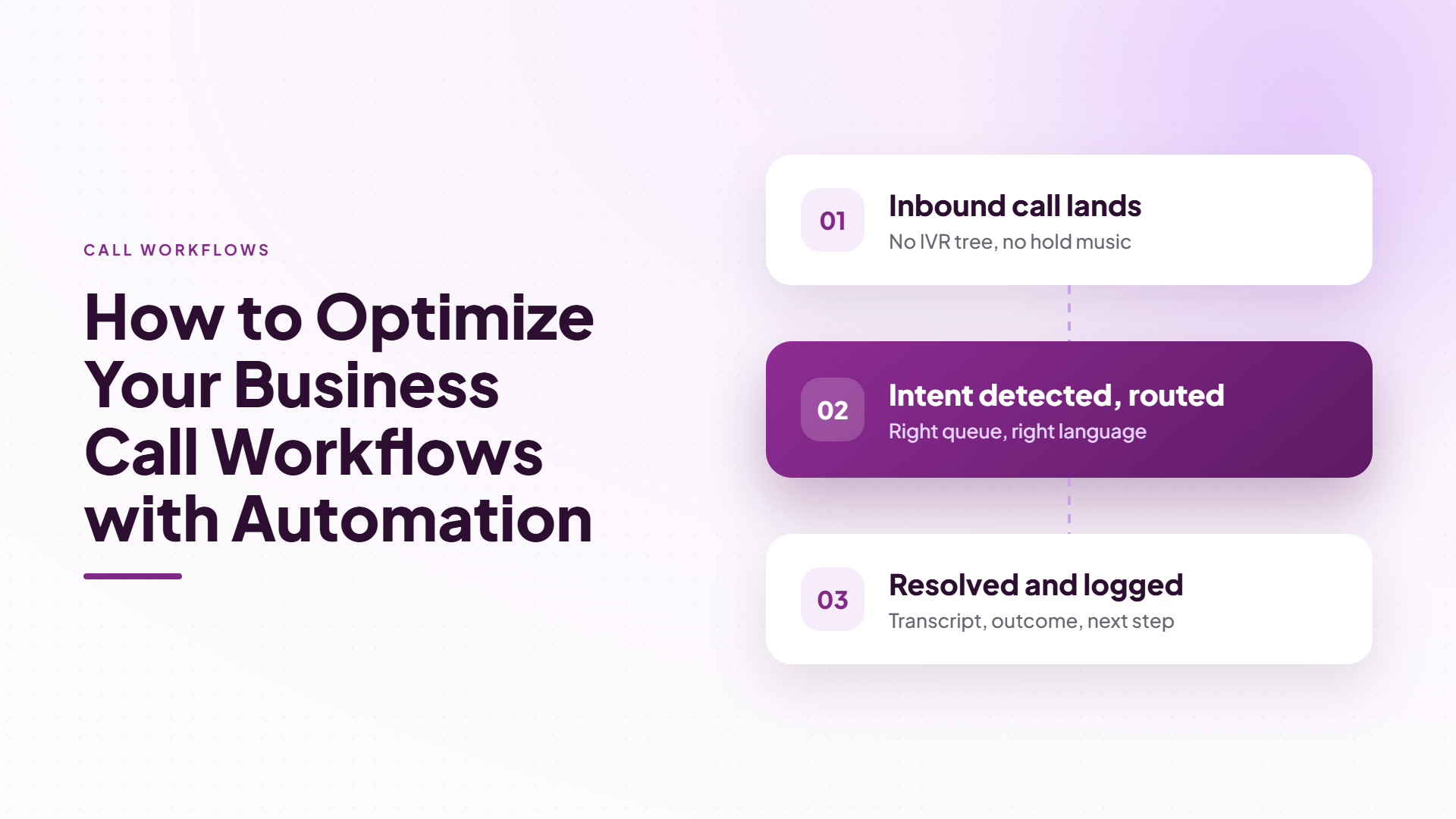
How to Optimize Your Business Call Workflows with Automation
Sarah Chen
Operations Director
Share
Most call workflow problems aren't caused by bad reps or bad leads. They're caused by gaps — the five minutes between a lead filling out a form and someone calling them back, the missed callback that never gets rescheduled, the note scribbled on a sticky pad that never makes it into the CRM. Automation doesn't replace your team; it closes those gaps.
Here's how to actually integrate AI-driven call automation into your existing pipeline without disrupting the workflows that already work.
Start by Mapping Where Calls Break Down
Before adding automation, identify where your current call workflow leaks value. The most common failure points are:
Lead response time. Studies on lead decay consistently show that a lead's value drops sharply within the first few minutes of going cold — every minute of delay before a first call is a minute closer to losing that lead to a competitor who called first.
After-hours coverage. Inbound calls that arrive outside business hours often go straight to voicemail, and voicemail conversion rates are notoriously low.
Inconsistent follow-up. Callbacks that get promised in one conversation and forgotten in the next are one of the most common reasons deals stall.
Fragmented records. When call notes live in someone's head or a personal notebook instead of a shared system, context is lost the moment that person is unavailable.
Automation should be aimed directly at these four leak points — not layered on top of a workflow that's already fine.
Automate the First Touch, Not the Whole Relationship
The most effective call automation strategy isn't "replace every human call with a bot." It's automating the moments where speed and consistency matter most, while keeping humans in the conversations that need judgment and relationship-building.
With Xorris, that looks like:
Outbound AI voice calls that reach new leads within seconds of an inquiry coming in, so the first conversation happens while interest is still high — not hours later.
An AI voice receptionist that answers every inbound call, takes a message, and books a callback automatically when your team is busy or after hours, instead of routing to voicemail.
Call scheduling and callbacks managed in one place, so a promised follow-up is automatically queued rather than relying on someone remembering to add it to a calendar.
Your team then steps in for the calls that actually need a human — the ones the AI agent flags as ready to close, complex, or better handled with a personal touch.
Centralize Everything in One Dashboard
A major source of workflow friction is tool-switching: one app for dialing, another for notes, a third for scheduling, and a spreadsheet somewhere tracking outcomes. Every switch is a chance for information to get lost.
Optimizing your call workflow means consolidating call initiation, transcripts, logs, and scheduling into a single dashboard. When every call — inbound or outbound — is automatically logged with duration, outcome, and full context, your team can pick up any conversation exactly where it left off, even if a different rep handled the last call.
Let Transcripts Do the Heavy Lifting
Manual note-taking during a call is one of the biggest workflow drains in any sales or support operation — it splits attention between the conversation and the keyboard, and details inevitably get missed.
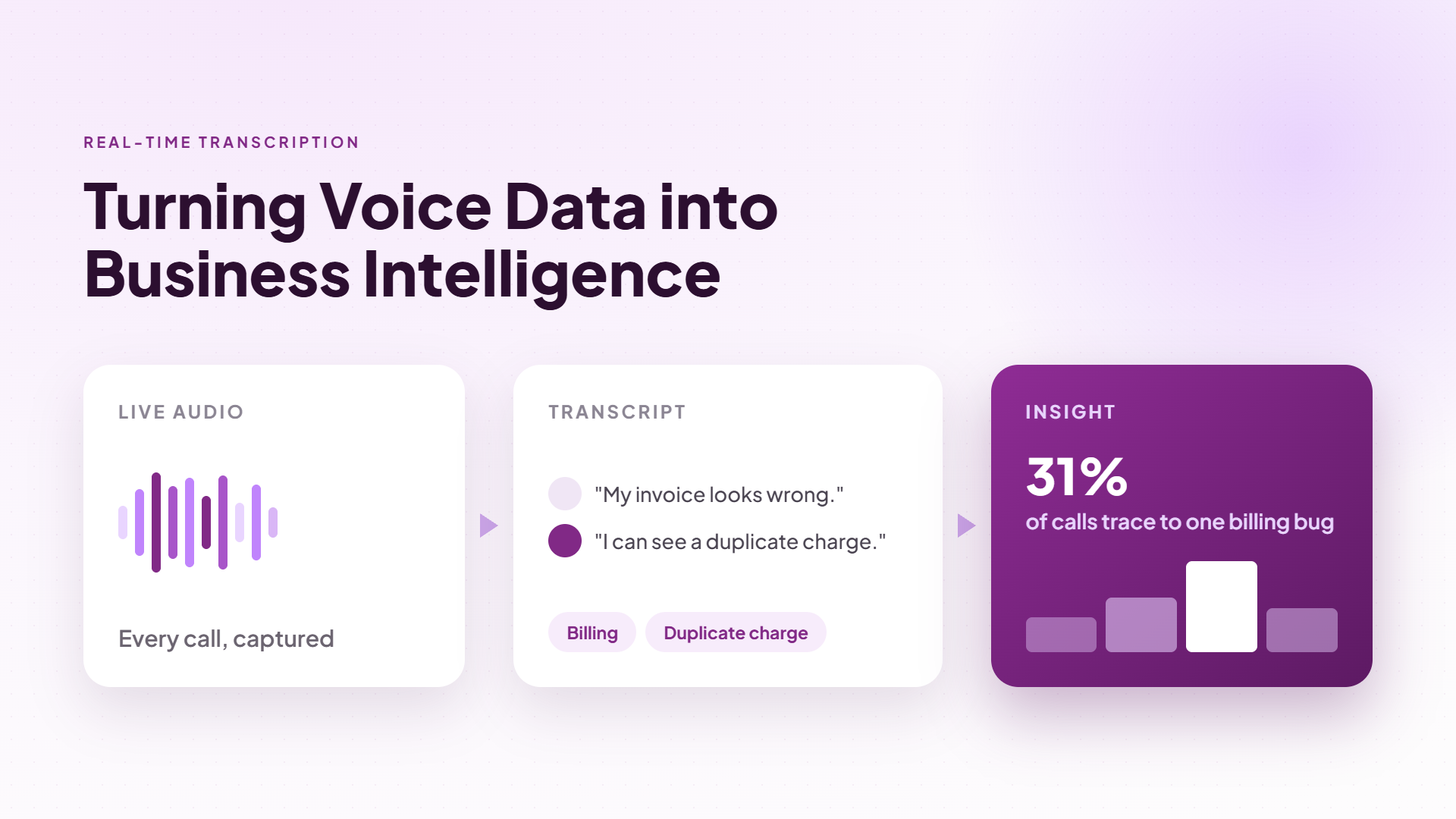
Real-time transcription solves this directly. Every call is transcribed as it happens and saved automatically, which means your team can search across conversations instead of skimming handwritten notes or replaying recordings to find one detail. This alone removes a substantial chunk of post-call admin work from every rep's day.
Connect Automation to the Tools You Already Use
Call workflow automation only pays off if it fits into your existing tech stack rather than forcing you to rebuild it. Look for a platform that connects natively to your CRM and communications tools — Xorris integrates with Genesys, Five9, NICE inContact, RingCentral, Microsoft Teams, Webex, Zoom, 8x8, Talkdesk, Avaya, HubSpot, Salesforce-style CRMs, Zendesk, Freshdesk, and Intercom — so call outcomes sync automatically instead of requiring manual re-entry.
Measure the Impact
Once automation is in place, track the metrics that actually reflect workflow health:
Average time from lead capture to first contact
Percentage of inbound calls answered live vs. sent to voicemail
Callback completion rate
Time reps spend on manual note-taking and data entry
Businesses running AI-automated call workflows typically see first-contact speed measured in seconds rather than hours, near-100% inbound answer rates, and a sharp drop in missed callbacks — because the system, not a person's memory, is responsible for follow-through.
Build the Workflow in Phases, Not All at Once
Trying to automate every call workflow simultaneously is one of the fastest ways to stall a rollout. Teams get overwhelmed, edge cases pile up faster than anyone can address them, and it becomes hard to tell which change actually improved outcomes and which one didn't. A phased approach avoids this.
Phase one should target your single biggest leak point — usually first-response time on inbound leads or after-hours coverage, since both have an outsized, measurable impact on conversion. Get that automation running cleanly, measure the before-and-after, and let your team get comfortable with the new workflow before adding complexity.
Phase two typically extends automation to callback scheduling and follow-up sequencing, since by this point you already have transcript and outcome data informing what a "good" follow-up cadence looks like for your specific business.
Phase three is where full CRM synchronization and cross-tool integration usually land — connecting call outcomes directly into your existing sales or support stack so reps stop manually re-entering data that the system already captured. By the time you reach this phase, you have enough real call data to configure integrations intelligently instead of guessing at what fields and triggers matter.
Common Mistakes That Slow Automation Down
A few recurring mistakes tend to undercut otherwise solid automation plans:
Automating without a clear escalation rule. If it's unclear when a call should be handed to a human, both the AI and your team end up guessing — and callers notice the inconsistency.
Leaving old manual processes running in parallel indefinitely. Automation only reduces workload if the manual version it replaces actually stops. Teams that keep double-tracking calls "just in case" never realize the time savings.
Not looping call outcome data back into strategy. Automated workflows generate a steady stream of outcome and transcript data — teams that don't review it regularly miss early signals that a script, offer, or callback cadence needs adjusting.
Underestimating the importance of a single source of truth. If call data lives in the automation tool but deal data lives elsewhere, reps end up toggling between systems anyway, which defeats much of the purpose.
Avoiding these isn't complicated, but it does require someone on the team owning the workflow post-launch rather than treating automation as a one-time setup task.
Start Small, Scale Fast
You don't need to automate everything on day one. Start with the highest-leak point in your workflow — usually first response time or after-hours coverage — and expand from there. Because AI voice agents can run thousands of concurrent conversations, scaling up doesn't require scaling headcount.
Ready to close the gaps in your call workflow? Book a free demo to see how Xorris automates first response, callbacks, and transcription in one dashboard — or get started free.